Manoa Study Spaces
Members
Project Links
Team Contract
Github Organization
Conceptual Presentation
Deployment
Milestone 1
Milestone 2
Overview
The Problem: Students at UH Manoa want to find available spaces to study, relax, or meet with their peers. Newer students may not know where to locate popular locations like libraries, lounges, and study areas. Additionally, students have different preferences for study environments; some prefer quiet spaces, others need spaces for group study, or maybe they seek specific ammenities.
The Solution: This website will allow students to list different study spaces on UH Manoa Campus and their amenities. This enables students to:
- Filter noise levels (quiet vs. loud)
- Differentiate indoor and outdoor spaces
- Locate spaces with specific amenities (outlets, food, airconditioning)
- Possibly see how crowded a location is
Approach
Manoa Study Spaces has two main user roles: students and admins.
Admins are responsible for moderating user-submitted content and ensuring that all study space information is accurate and up to date. They can edit or remove locations, approve new space submissions, and manage user accounts, including promoting or suspending users. Admins can also update details about existing spaces, such as amenities, noise levels, and availability, and monitor usage statistics to understand which locations are most popular and when they are busiest.
Students can browse and search for campus study spaces, filter them by preferences such as noise level, indoor or outdoor, or specific amenities, and save favorite locations for easy access. They can submit new spaces or report issues with existing ones, coordinate meetings with peers, and provide feedback through ratings or comments. Some features may also allow students to see occupancy indicators for certain locations, helping them choose the best spots to study or meet with others.
User Guide
This section provides a walkthrough of the Manoa Study Spaces user interface and its capabilities.
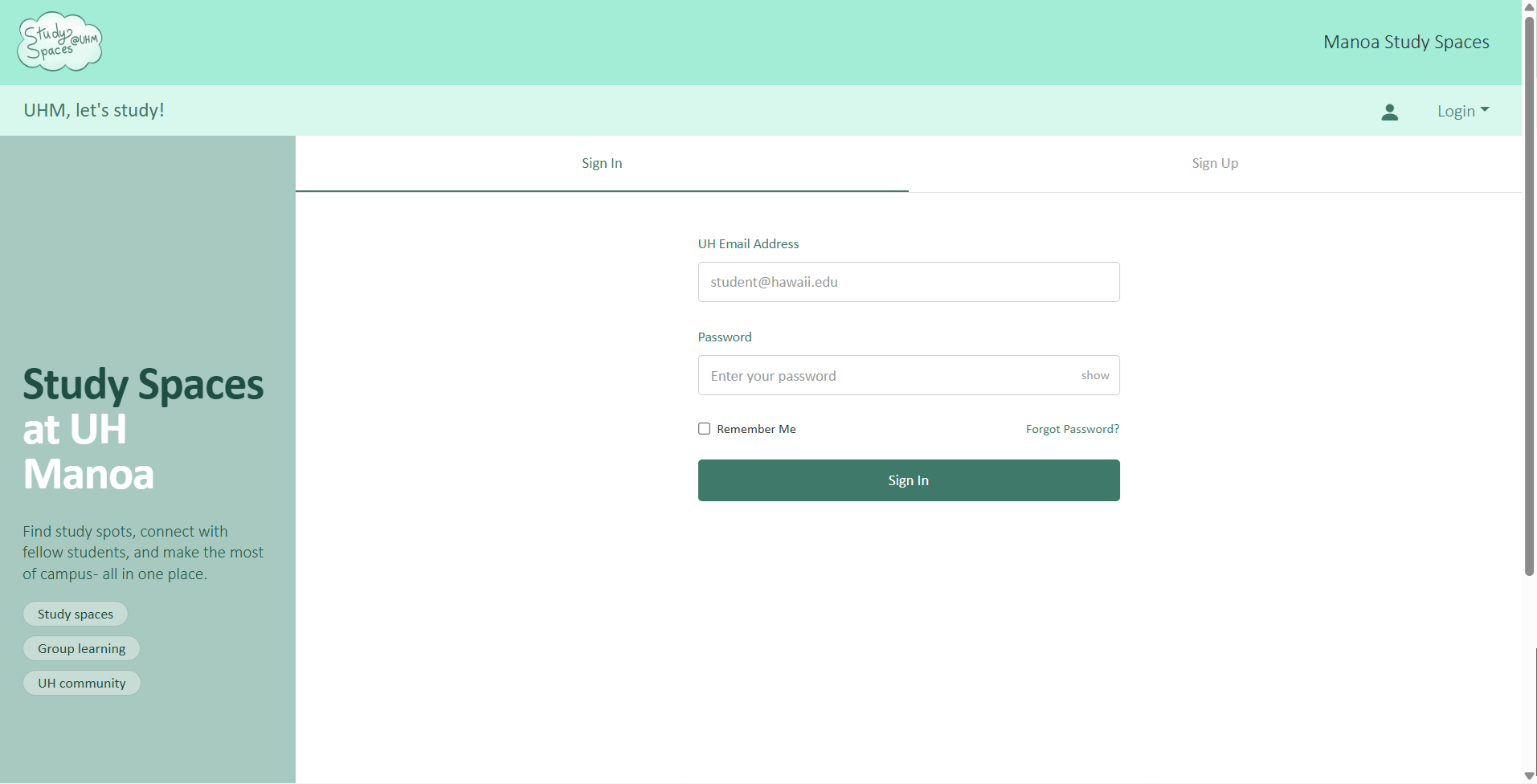
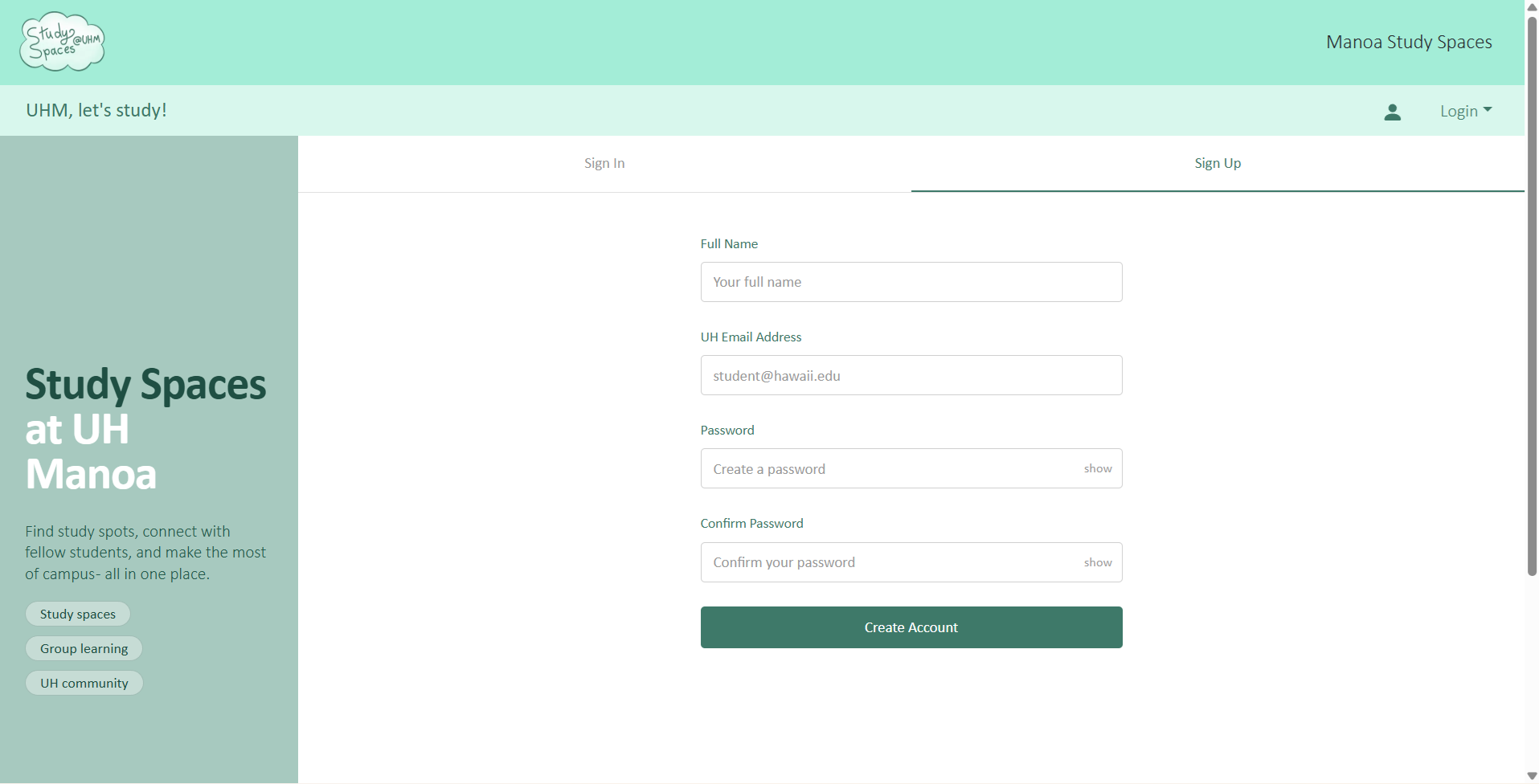
Signup / Login Page
Landing Page
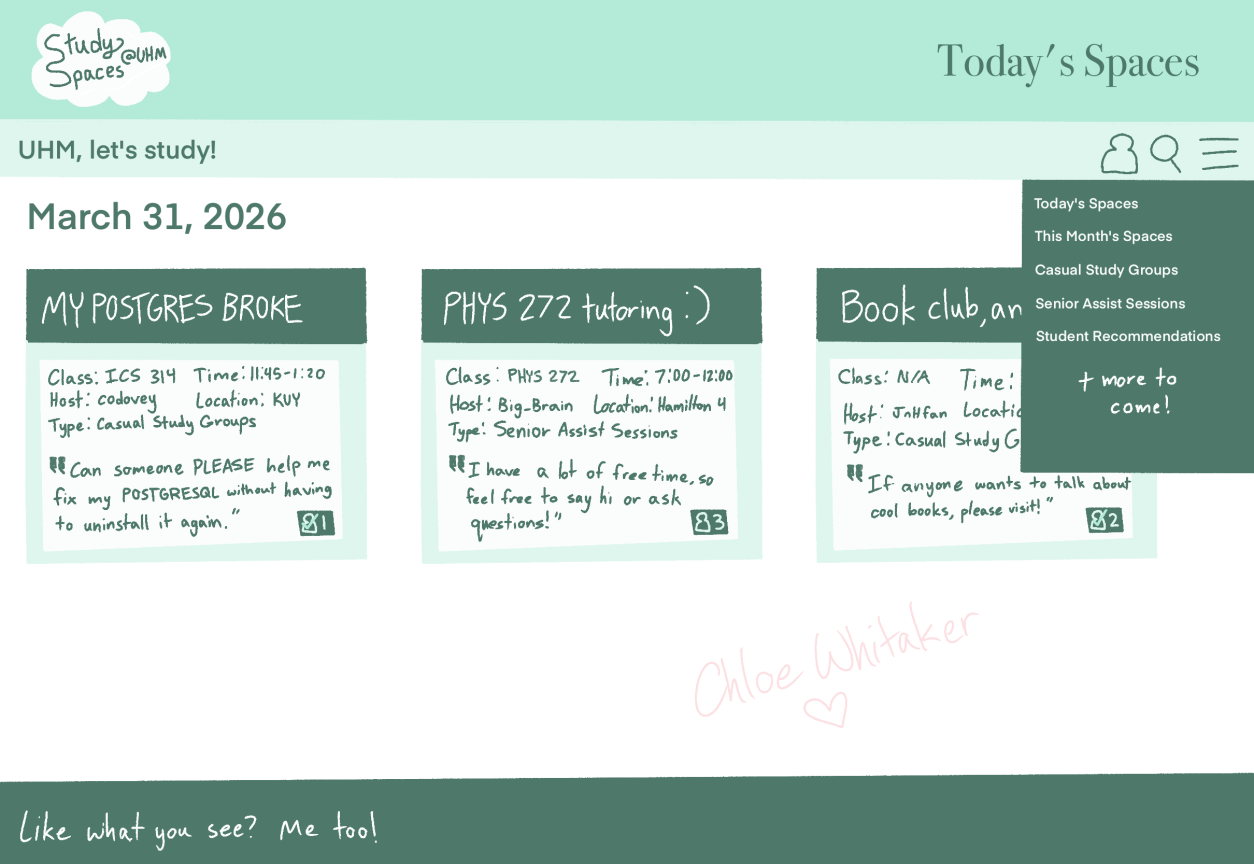
The landing page is presented to users when they visit the top-level URL to the site. (Concept)
Listing Page
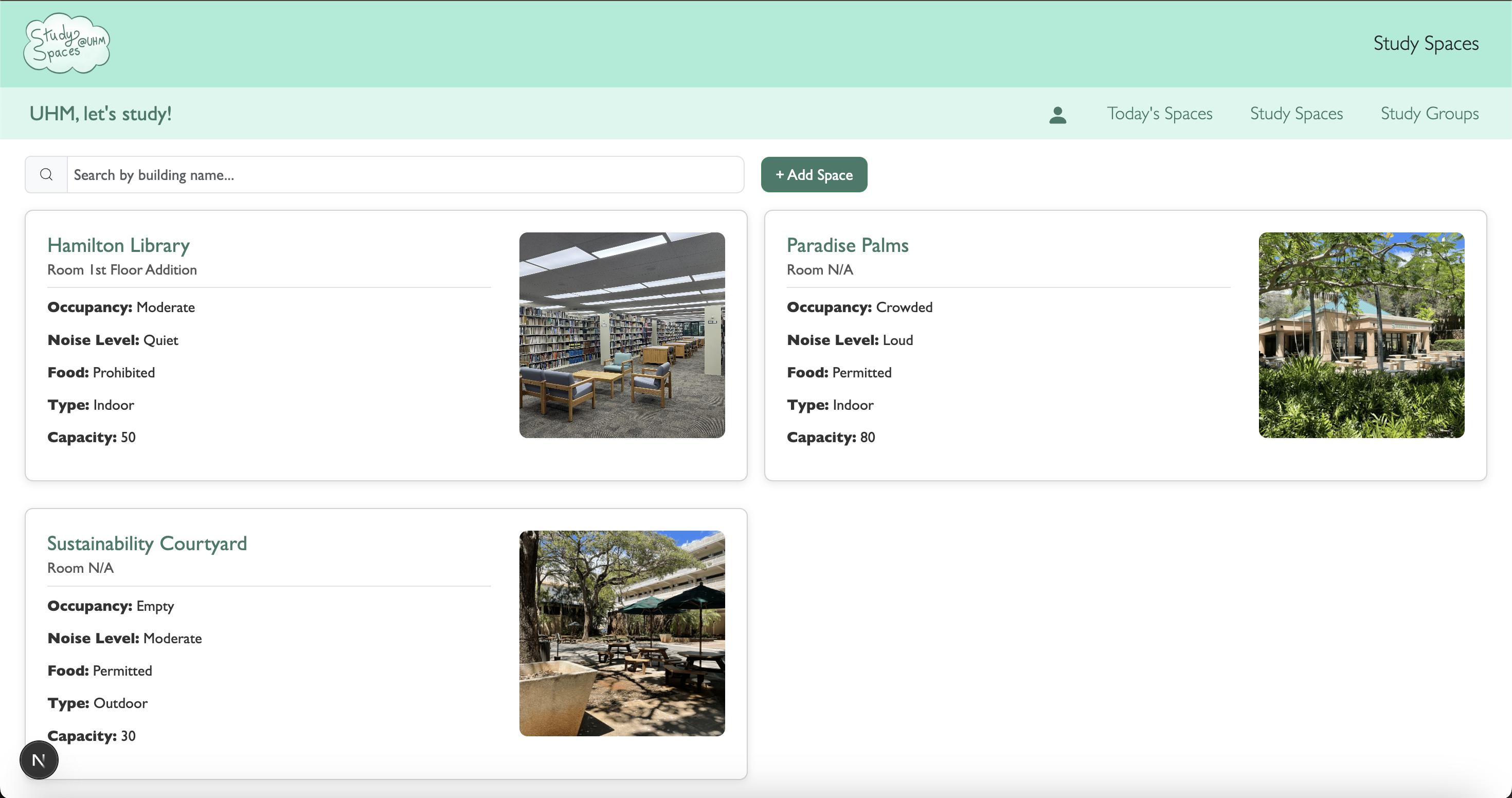
We would like to add more to this in the future, such as the date the space was added and maybe a rating system.
Would also like to implement a filter for M2.
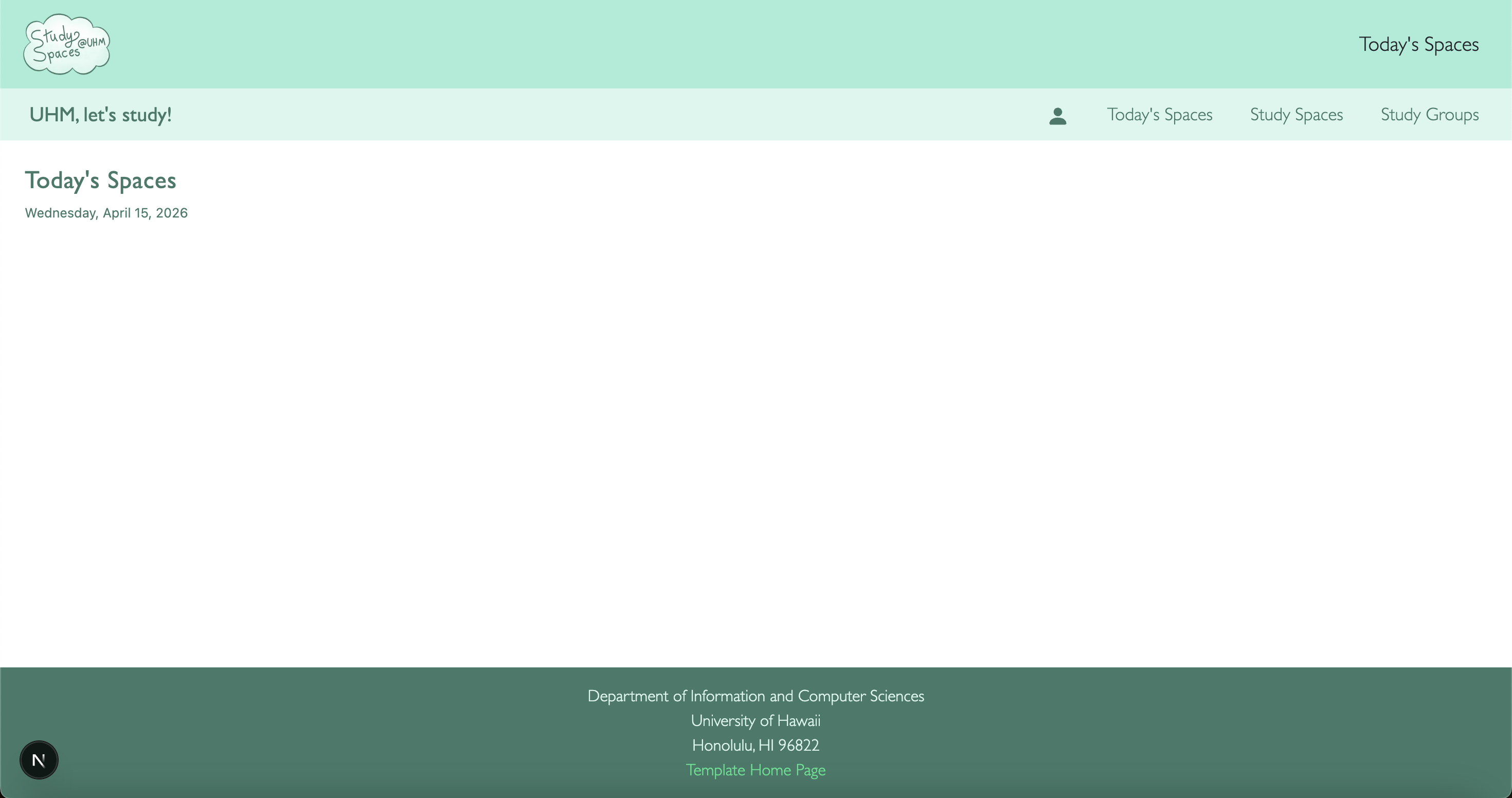
Today’s Spaces Page
Currently working on addSpace component, then we’ll be able to assign a date to the Card